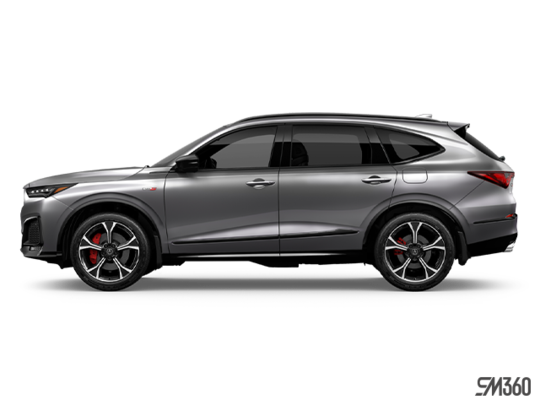
Which 2026 Acura MDX Should You Test Drive — Tech, A-Spec, or Type S Ultra?
May 21 2026,
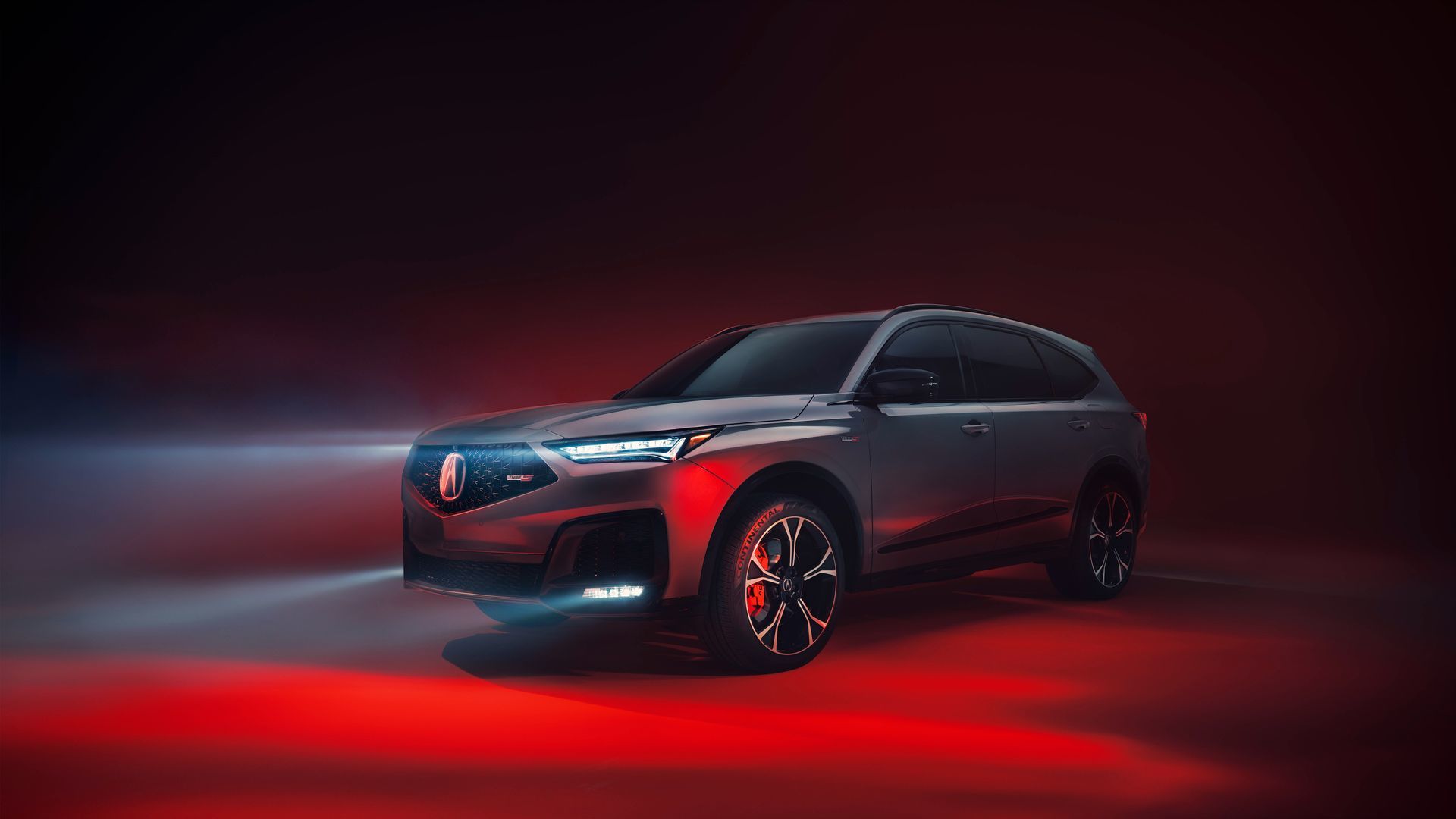
A test drive is more useful when you go in with a plan. The 2026 Acura MDX is a seven-passenger three-row SUV with four trim levels — Tech, A-Spec, Platinum Elite A-Spec, and Type S Ultra — and meaningful differences between them. If you walk in without knowing what to evaluate, you can spend 20 minutes in the vehicle and still leave without the information you actually need to make a decision.
This guide covers the specific things worth checking during an MDX test drive, organized by what matters at each stage — before you start, while you drive, and once you're parked.
Before You Pull Out of the Lot: Check the Third Row
The MDX's third row is the feature most people want to experience but often forget to assess properly. At the dealership, before you start the engine, open the third-row door and physically sit back there. Third-row headroom measures 919 mm and legroom is 738 mm. These are the numbers — but sitting in the seat for two minutes tells you more than the spec sheet.
Pay attention to:
- The One-Touch Smart Slide Walk-In feature, which moves the second-row seat forward automatically for third-row access
- Legroom with an adult-sized occupant already in the second row
- Whether your passengers would realistically sit back there on longer drives
Also check the cargo area behind the third row, which offers 461.6 litres of standard storage when all three rows are occupied. If you regularly need both full passenger capacity and meaningful cargo room, the MDX's adjustable cargo floor (two height levels) helps maximize that space.
On the Road: Powertrain and AWD Behaviour
The MDX Tech, A-Spec, and Platinum Elite A-Spec all run a 3.5-litre naturally aspirated V6 producing 290 hp and 267 lb.-ft. of torque, paired with a 10-speed automatic transmission and SH-AWD. The Type S Ultra uses a turbocharged 3.0-litre V6 producing 355 hp and 354 lb.-ft. of torque with the same drivetrain.
On the drive, test the Integrated Dynamics System (IDS) modes. The MDX offers Snow, Comfort, Normal, Sport, and Individual settings across all trims; the Type S Ultra adds Sport+ and Lift. Flip through at least two modes during the drive to feel how throttle response and steering weight shift.
Also note the SH-AWD system in a corner. The system actively vectors torque to the outside rear wheel under cornering load. In normal driving it's subtle; in a tighter turn you'll feel the MDX rotate more readily than a typical AWD vehicle.
On the Highway: Cruise Control and Driver Assistance

Once at highway speed, activate the Adaptive Cruise Control with Low-Speed Follow and let the MDX maintain a gap to the vehicle ahead. All trims include this feature as part of AcuraWatch. The Type S Ultra adds AcuraWatch 360, which includes Active Lane Change Assist — the system can complete a lane change automatically when the driver taps the turn signal while ACC and LKAS are active, on geo-fenced divided highways.
For all trims, confirm that the Lane Keeping Assist System (LKAS) and Lane Departure Warning are active. These are standard across the lineup. The Cornering Speed Assist feature — new to the MDX and standard on all trims — adjusts ACC speed based on detected lane curvature.
Parked: Audio, Camera, and Infotainment
With the vehicle stopped, spend time on:
Audio: The MDX Tech, A-Spec, and Platinum Elite A-Spec all include the 19-speaker Bang & Olufsen audio system. The Type S Ultra steps up to a 31-speaker Bang & Olufsen system. Play something you know well and evaluate the sound in the actual cabin. The Bang & Olufsen Beosonic interface — accessible from the 12.3" touchscreen — offers four audio moods (Bright, Energetic, Warm, Relaxed) for quick adjustment.
Camera system: The Tech and A-Spec trims include a multi-angle rearview camera. The Platinum Elite A-Spec and Type S Ultra include a surround view camera system. If you're choosing between these trims, use the parking manoeuvre to compare visibility — back into a spot and evaluate the difference.
Touchscreen: The MDX's 12.3" touchscreen uses direct touch input with Google Built-in on all trims. Navigate to Google Maps and test voice commands. The wireless phone charging pad is accessible from the console; confirm your device charges without a cable before you leave.
At a Glance: What to Evaluate and When
|
Checkpoint |
What to Assess |
Applies To |
|---|---|---|
|
Before driving |
Third-row access and legroom |
All trims |
|
Parking lot |
Cargo floor height, tailgate operation |
All trims |
|
City driving |
IDS modes, steering weight, SH-AWD feel |
All trims |
|
Highway |
ACC with Low-Speed Follow, LKAS |
All trims |
|
Highway (Type S only) |
Active Lane Change Assist, AcuraWatch 360 |
Type S Ultra |
|
Parked |
Bang & Olufsen audio, camera system, 12.3" touchscreen |
All trims |
Book Your MDX Test Drive at Acura Montreal Centre in Montréal
The team at Acura Montreal Centre in Montréal can set up a test drive covering the routes and scenarios that matter for your use case. Come in with this checklist and evaluate each point in the actual vehicle — it's the most reliable way to decide between trims. Visit Acura Montreal Centre in Montréal to arrange your MDX test drive.